

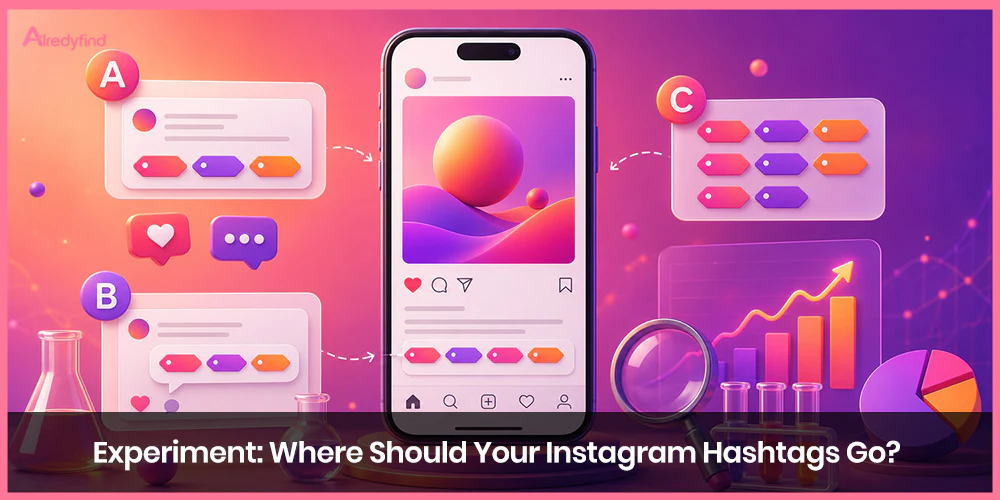
Few topics trigger as much debate among social media managers as hashtag placement. Should you tuck your hashtags neatly into the first comment to keep your caption clutter-free? Or should you include them directly in the main caption so Instagram’s ranking algorithms index them the second you hit publish?
To answer this once and for all, industry studies analyzing thousands of posts—along with updates to Instagram’s underlying search engine—reveal how placement impacts reach, engagement, and SEO indexing.
The Core Debate: Caption vs. Comments
The disagreement stems from balancing visual aesthetic against algorithmic indexing speed:
The Comment Argument: Putting hashtags in the first comment creates a clean, minimal aesthetic. Once a few followers leave comments, your hashtag block gets hidden automatically beneath the post fold, keeping your brand looking polished and authentic.
The Caption Argument: Instagram functions increasingly like a semantic search engine. Placing metadata directly in the primary caption allows the platform to categorize and index your content instantly upon upload, avoiding any indexing delays that can occur if a first comment is posted minutes or hours late.
Key Data Insights & Benchmark Findings
Large-scale social analytics studies (including data from Socialinsider and Quuu) reveal clear patterns regarding where brands place their tags—and how those decisions affect reach based on account size:
Captions Are the Industry Standard: Over 87.7% of brands place their hashtags directly inside the post caption.
Account Size Matters for Reach: Profiles with fewer than 100,000 followers see higher average reach rates when hashtags are placed directly in the caption. Conversely, accounts with over 100,000 followers experience slightly higher reach rates when placing tags in the first comment.
Indexing Speed: If you choose to use the first comment, speed is critical. Social management tools or manual workflows that post the first comment immediately avoid losing early discovery signals.
How Instagram SEO Has Changed the Game
While placement was once purely a stylistic choice, the shift toward Instagram Search Engine Optimization (SEO) has changed best practices.
Instagram now indexes text from captions, alt text, on-screen text in Reels, and spoken audio transcripts to determine content recommendations in the Explore feed and Search tab.
Updated Best Practices:
Quality Over Quantity: Dumping 30 generic tags (#love, #instagood) into your post no longer drives targeted reach. Instead, algorithms prioritize 3 to 10 highly relevant, niche-specific tags that match the natural keywords in your caption.
The “Hidden Caption” Middle Ground: If you prefer a clean look but want instant SEO indexing, use line breaks (dots or dashes) to push your hashtag block down beneath the “…more” fold in the main caption. This provides the indexing benefits of caption placement alongside the clean aesthetic of comment placement.
Placement Comparison Breakdown
|
Strategy |
Indexing Speed |
Aesthetic Cleanliness |
Best Suited For |
|
In the Caption (Visible) |
Instant |
Lower (can feel cluttered) |
Accounts under 100k followers, SEO-focused posts |
|
In the Caption (Hidden with Spacers) |
Instant |
High (hidden under “…more”) |
Brands wanting top SEO indexing + clean visuals |
|
In the First Comment |
Variable (depends on posting speed) |
High (disappears under user comments) |
Established profiles (>100k followers) with automated scheduling |
FAQ
For most accounts—especially those under 100,000 followers—putting hashtags directly in the caption yields slightly better reach and ensures immediate algorithmic indexing. However, larger accounts (>100k followers) often see similar or slightly better reach using the first comment.
Instagram’s AI indexes text from captions more heavily than comments for search discovery. Placing relevant keywords and primary hashtags in your caption ensures your post is properly categorized for search queries.
While Instagram allows up to 30 hashtags per post, recent testing and platform guidance suggest using 3 to 10 highly specific, relevant hashtags. Over-stuffing posts with broad tags can dilute your content’s relevance signals.
Write your main caption, press “Enter” or “Return,” and insert a period or symbol on each line for 3–5 lines before pasting your hashtags. This creates vertical space, causing Instagram to truncate your caption behind the “See more” button.
Yes. If you choose comment placement, add the hashtags immediately after publishing. Waiting minutes or hours means missing out on crucial initial discovery signals as your post enters the feed.

