

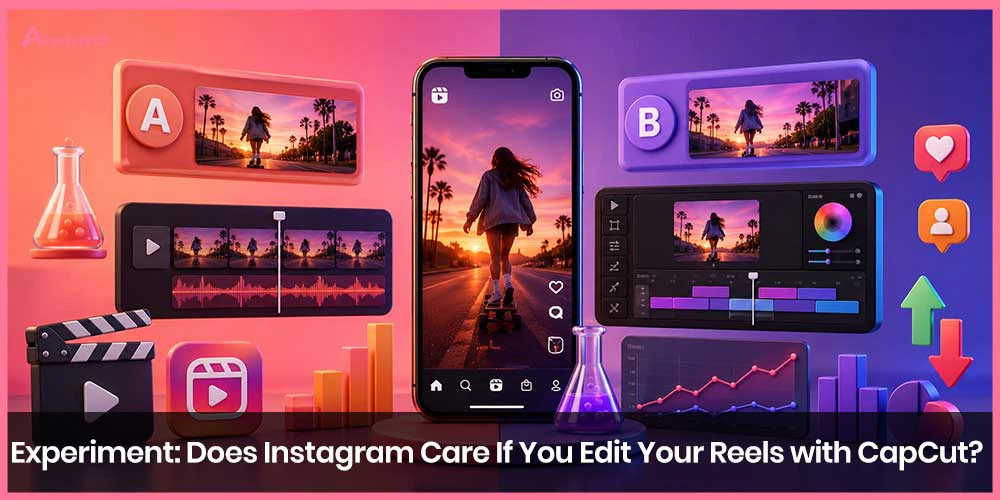
That myth has floated around creator circles for years. Some people swear third-party apps tank reach. Others claim the algorithm secretly favors native Instagram edits. The reality, backed by Instagram’s own leadership and independent tests, is simpler and more encouraging for anyone who prefers CapCut’s tools, templates, and effects.
What Instagram Actually Says
Adam Mosseri, head of Instagram, has been direct on this point. Using a third-party editor like CapCut does not reduce your reach or trigger any algorithmic penalty. The one hard line is watermarks. If a CapCut, TikTok, Canva, or similar logo appears on the video, Instagram’s systems detect it and throttle distribution.
The logic is straightforward: platforms want original-looking content, not obvious cross-posts that still carry another company’s branding. Remove the watermark (or better, export without one by using CapCut Pro or carefully deleting the default ending clip), and the origin of the edit becomes irrelevant.
The Experiment That Put the Myth to the Test
In 2024, Hootsuite ran a controlled experiment titled essentially “Does Instagram Care If You Edit Your Reels with CapCut?” They took six similar wrestling highlight videos from the same account, edited three inside Instagram’s native tools and three in CapCut, then posted them at comparable times under the same account.
Results: CapCut-edited Reels averaged significantly higher reach (roughly 2,712 vs. 1,672 for native Instagram edits). Interactions were nearly identical. The CapCut versions didn’t just hold their own—they performed better.
Small sample size, yes. But the outcome aligned with Mosseri’s statement and undercut the conspiracy theory that Instagram systematically punishes outside editors.
Why CapCut Still Wins for Many Creators
CapCut remains popular for good reasons:
Far more advanced effects, transitions, keyframe animations, and auto-captions than Instagram’s built-in editor.
Huge library of trending templates that auto-sync clips to music beats.
Better multi-clip timeline control and text styling options.
Desktop version for more precise work.
Many high-performing Reels you see every day were finished in CapCut. The app’s strength is speed and polish, especially for trend-jacking or complex edits that would be painful inside Instagram.
The Catch: Watermarks and Privacy
Two practical issues remain.
First, the free version of CapCut often stamps a watermark or default ending. Instagram treats that as a red flag. Always export clean: delete the CapCut outro clip on the timeline, adjust export settings to avoid default branding, or use the paid tier. Cropping or AI remove tools can work in a pinch, but a clean export is cleaner and safer.
Second, CapCut is owned by ByteDance (same parent as TikTok). Its terms give the company broad rights over uploaded content, and privacy-conscious brands sometimes prefer to keep footage inside Meta’s ecosystem. For personal creators this rarely matters; for agencies or clients with strict brand guidelines it can be a deciding factor.
Instagram’s Own Answer: The Edits App
Instagram launched its own dedicated editor, Edits, partly as a CapCut competitor. Mosseri has noted that content created or finished in Edits can receive a modest, temporary reach boost. He has also said the advantage is not permanent and warned against treating it as a pure “hack.” The app offers tighter integration with Instagram (trending audio access, draft sharing, performance insights) and a cleaner privacy profile for Meta users.
Many creators now use a hybrid workflow: heavy lifting and creative effects in CapCut, then light final touches or music in Edits or the native Reels editor so the file feels “native.” Others have largely switched to Edits for simplicity and the small algorithmic nudge.
What Actually Moves the Needle
Editing software is rarely the limiting factor. Reach still depends on:
Strong hooks in the first 1–3 seconds
People on camera (faces consistently outperform pure product or text videos)
Trending or relevant audio
Vertical, high-resolution footage
Posting when your audience is active
Consistent value—entertainment, education, or emotion
If CapCut helps you make tighter, more engaging videos, use it. The algorithm rewards watch time, shares, and completion rate far more than it cares which app produced the file.
Practical Tips for CapCut → Instagram Reels
Export at 1080×1920 (or higher) in MP4, high bitrate.
Remove every trace of CapCut branding before export.
Optionally open the finished file in Instagram or Edits to add platform-native music, stickers, or a quick text overlay—this can make the upload feel more original.
Test both pure CapCut and hybrid workflows on your own account; analytics will tell you what works for your audience.
Keep an eye on CapCut’s terms if you’re handling client or branded content.
FAQ
No. There is no evidence of a CapCut-specific shadowban. Watermarks can suppress reach; clean CapCut files do not.
Only if you regularly hit the free watermark limit or want unlimited high-quality exports and advanced features. Many creators stay on the free tier by simply deleting the ending branding clip.
It depends on your needs. Edits wins on seamless Instagram integration, privacy, and a possible small reach boost. CapCut still leads on effects variety, templates, and desktop power. Plenty of creators use both.
Yes, significantly. Instagram’s systems flag third-party watermarks and reduce distribution. Always export clean.
Not directly. The modest boost Mosseri mentioned is tied to content created or substantially processed inside Edits. A hybrid approach (CapCut for the heavy edit, Edits for final polish) is the practical middle ground many people use.

